Video analysis
StreamEye Basic
Video quality test software for QA, technical support, and system integration teams dealing with video compression quality assurance, encoder settings adjustment or selection of the best codec.

STREAM SUMMARY INFO
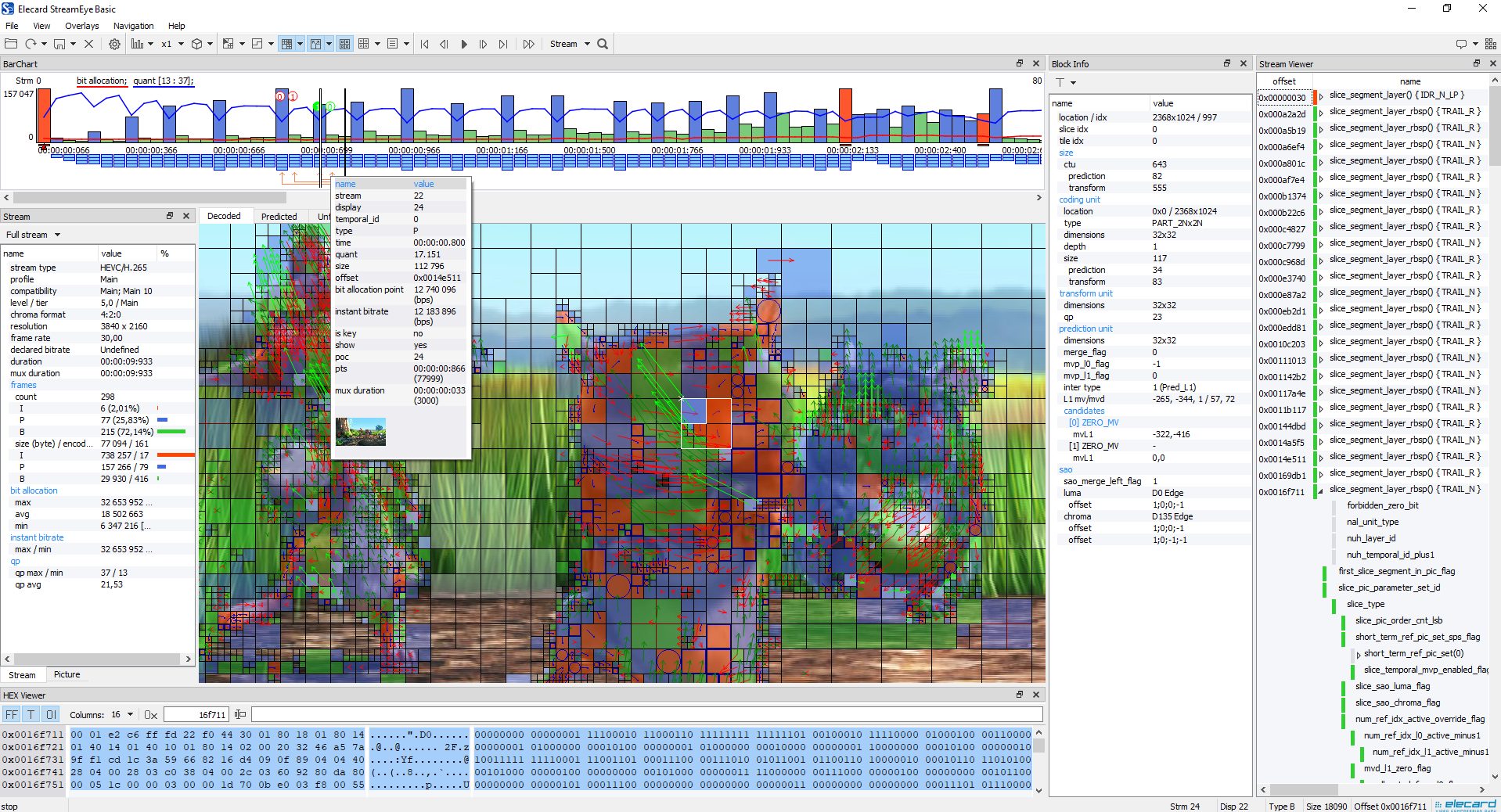
Profile, compatibility flags, level, tier, chroma format, resolution, frame rate, duration, frame types, average frame sizes, range of quantizer values.

PICTURE DETAILS
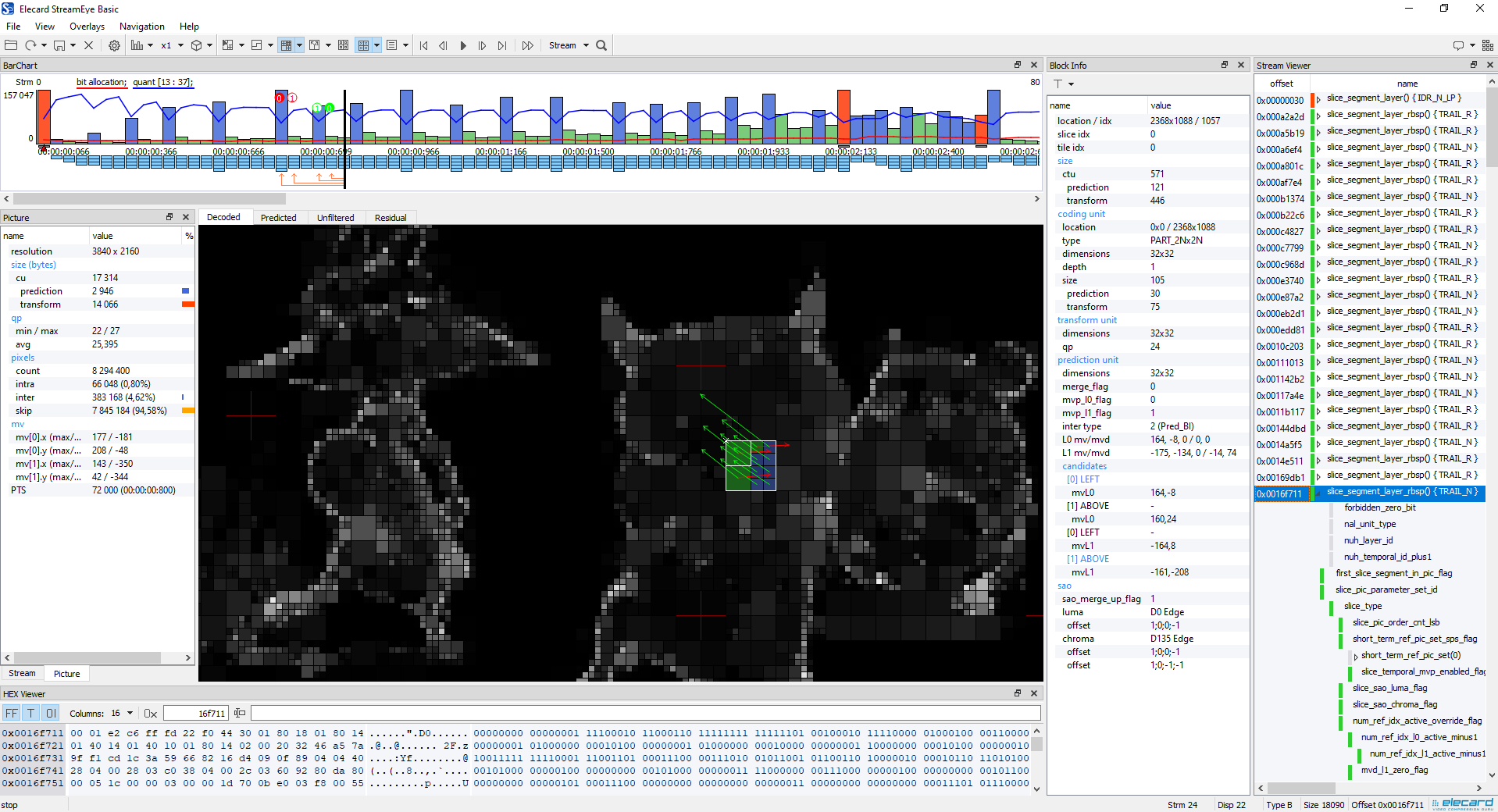
CU, PU, and TU sizes, max/min QP, pixel distribution by encoded type (intra, inter, and skip), and motion vector range.

VISUALIZED STATISTICS
Easy stream navigation using bar chart presentation.
POPULAR VIDEO FORMATS AND PROTOCOLS
Support for key video formats, containers, and streaming protocols, including MPEG-1/2, AVC, HEVC, APV, MPEG-DASH, and HLS.
See the difference between product versions
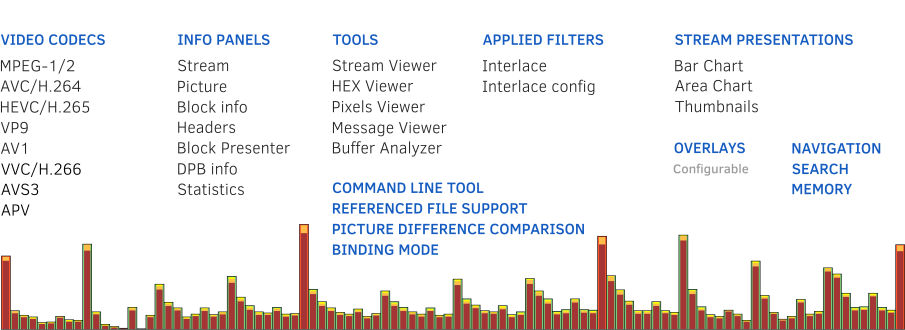
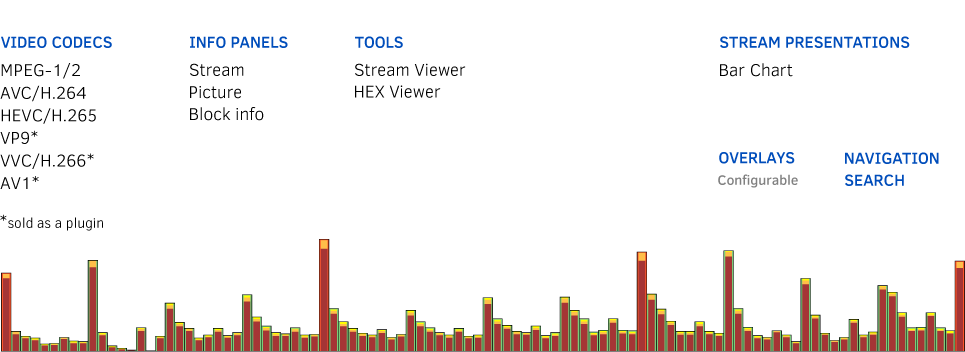
Check the detailed version comparison and their key features and capabilities.
Key Features
View and save stream summaries and picture information
Navigate across the stream and display in I, P, B, IP, and Key Frames modes
Inspect data using the built-in Hex viewer and Stream viewer – file content (header level) presentation in text mode.
View Macroblock (MPEG-1/2, AVC) / Coding Tree Unit (HEVC) data: location, slice index, tile index, sizes, prediction, transform unit info
Display frame size, type, bit allocation, quantizers; decoded, predicted, and unfiltered frame data (YUV or single component)
Display motion vectors, partitions, slice boundaries

Must-have product for professionals
QA Engineers
Fast and accurate error checking in video codecs
Technical support engineers
Easy identification of problems in video bitstreams
Broadcasters
Detailed comparison and easy selection of the best encoder
Software and Hardware specifications
Supported video formats
- MPEG-1/2 Video stream
- AVC/H.264 Video stream
- HEVC/H.265 Video stream
- APV Video stream
- MV-HEVC Video stream*
- VP9 Video stream*
- VVC/H.266 Video stream*
- AV1 Video stream*
- AVS3 Video stream*
Supported media containers
- MPEG-1 System Stream
- MPEG-2 Program Stream
- MPEG-2 Transport Stream
- MP4/MOV file containers
- MKV/WebM file containers
- MXF file container
- AVI file container
- FLV file container
- HEIC file container
- MPEG-DASH MPD
- HLS master playlist
System Requirements
- Hardware requirements:
• 16 GB RAM (or higher)
- Software requirements:
• Windows® 10/11 (64-bit)
• macOS 10.13 High Sierra — macOS 26 Tahoe
• Ubuntu 18.04 — 26.04 LTS x64
Buy & Download
Please fill out a short form to get free demo-version or product pricing.
By installing, copying, or otherwise using the SOFTWARE PRODUCT or any UPDATES, you agree to be bound by the terms of the "Elecard" End-User License Agreement (''EULA''). This EULA is a legal agreement between you (either an individual or a single entity) and Elecard for the "Elecard" software product(s) accompanying this EULA, which include(s) computer software and may include "online" or electronic documentation, associated media, and printed materials (''SOFTWARE PRODUCT'').
Related products
StreamEye
Analysis of the stream structure down to macroblock level for precise inspection of codec parameters. Video quality test software.
StreamEye Studio
Elecard StreamEye Studio is a set of powerful software tools for video quality analysis designed for professional use in video compression, processing, and streaming media industries.
Resources
- User Guide
- Elecard StreamEye User Guide (PDF, 1.13 MB)
- Release Notes
Video Tutorials
 Introduction to Elecard StreamEye
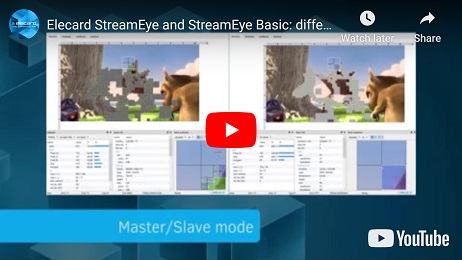 See the difference between StreamEye and StreamEye Basic tools
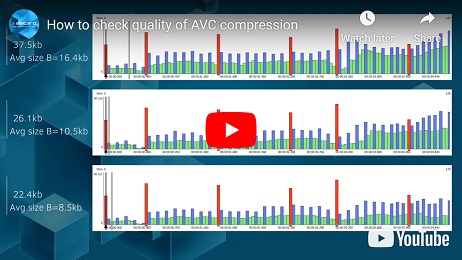 How to check quality of AVC compression
Testimonial
All testimonialsNews & Events
Our Customers
We are proud to be bringing our multimedia technologies knowledge and expertise to more than 9K companies in the world.